Description
Limit of 1 Transaction, with a Maximum of 2 Units Per Membership Every 14 Days
Item is Non-Refundable
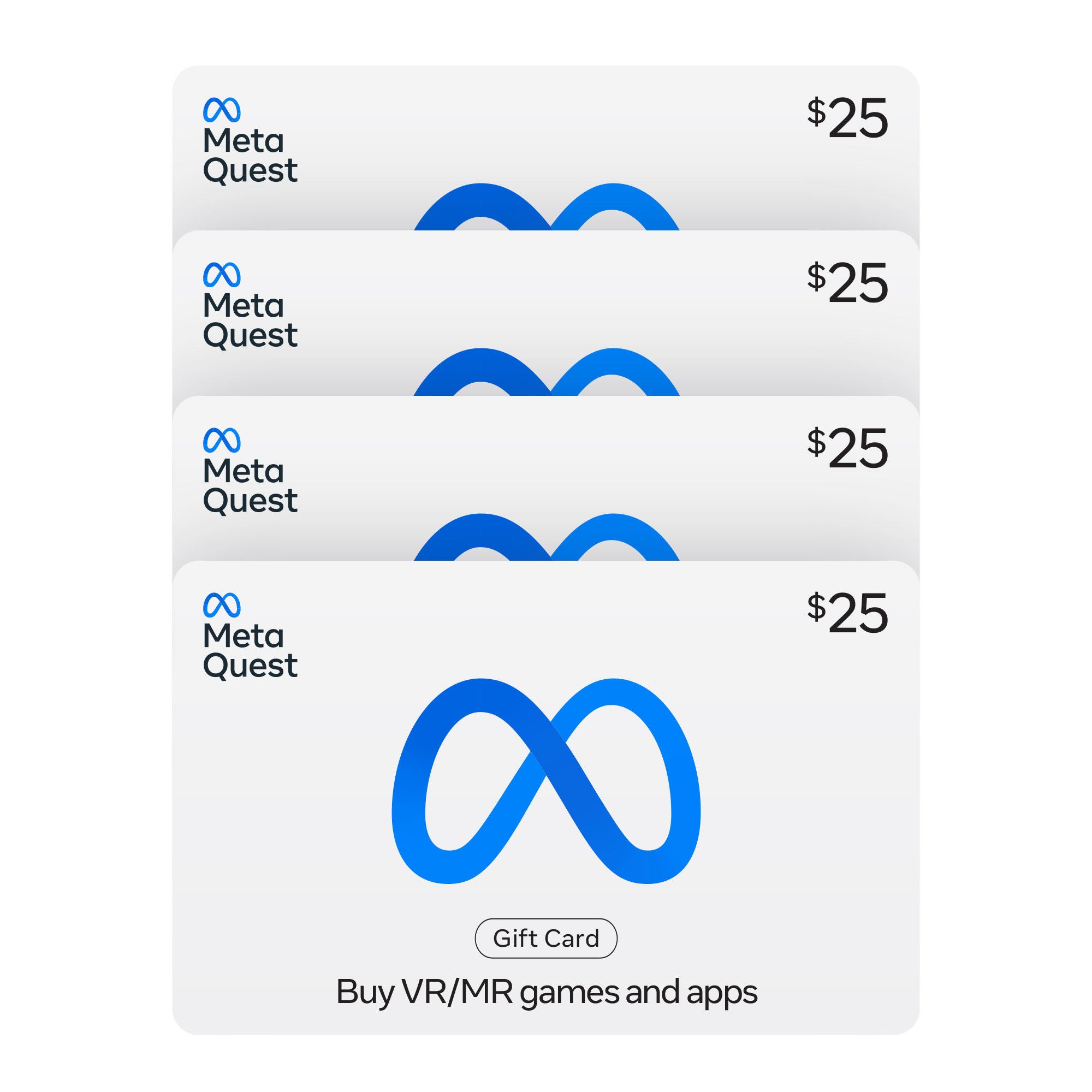
Endless possibilities are ready in mixed reality. Explore a huge mix of hit games, one-of-a-kind experiences, new ways to create and connect, and live events.
Treat mixed reality fans to a selection of thousands of experiences in the Meta Horizon store with Meta Quest Gift Cards. Whether they choose to explore fantasy realms, get in shape or go deep into space, there are mixed reality experiences to suit everyone.
About this Item:
- Can be redeemed on thousands of experiences in the Meta Horizon store.
- The perfect last minute gift so they can choose their own adventure—there are mixed reality experiences to suit everyone.
- It’s easy to give a digital Gift Card, all you need is the recipient’s email address.
- See child safety guidance online; Accounts for ages 13+. Valid only for transactions from the Meta Horizon store. Cards do not expire and carry no service or dormancy fees. Not redeemable for cash, and cannot be transferred, resold, returned, refunded, or exchanged, except as required by law. Void where prohibited. Terms and conditions apply.
Terms & Conditions:
- See child safety guidance online; Accounts for ages 13+.
- Meta Quest Gift Cards are solely for the purchase of content, apps, and services from the Meta Horizon Store.
- Cards do not expire and carry no service or dormancy fees.
- Cards are not redeemable for cash and cannot be transferred, resold, returned, refunded, or exchanged, except as required by law.
- Issued by Meta Platforms Technologies, LLC or its affiliates (“Meta”).
- Meta is not responsible for lost or stolen gift cards or unauthorized use.
- Terms and Conditions apply; see Meta’s Full Terms & Conditions
- For assistance, visit The Meta Quest Help Center
How to Redeem:
Redeem this card on the Meta Horizon Mobile App:
1. Install the Meta Horizon app on your iPhone or Android phone
2. Sign in with (or create) your Meta account
3. Go to ‘Wallet’ in the Menu of the Meta Horizon app
4. Click on ‘+’ button to open ‘Add to Wallet’
5. In the “Add to Wallet” select and click on ‘Gift Card’ option
6. Enter your Gift Card Code
7. Click ‘Redeem’ button
8. Meta Quest Gift Card will be added to your Meta Quest wallet.
9. You can now use your Gift Card to purchase apps & experiences at the Meta Horizon Store
Redeem this card on Meta.com
1. Go to Meta’s Website
2. Sign in with (or create) your Meta account
3. Enter your Gift Code
4. Click on ‘ ->’ button
5. Meta Quest Gift Card will be added to your Meta Quest wallet.
6. You can now use your Gift Card to purchase apps & experiences at the Meta Horizon Store


168 reviews for Meta Quest – Four $25 eGift Cards